History timelines that put events and eras in context
Use Timetoast to place events, eras, and figures in clearer context with history timelines that show how change unfolded over time without losing the chronology.

See historical events in context, not as isolated dates
If you are looking for a history timeline maker, the hard part is turning dates, eras, and source material into something people can actually follow.
Many history projects start as lists of dates, notes, and source material:
- Important events, figures, and places sit in separate documents
- It is hard to compare what was happening at the same time in different places
- Readers lose the thread when long periods or BCE dates need to be explained clearly
The result: people remember isolated facts instead of understanding sequence, overlap, and change over time.
A history timeline makes the pattern easier to see:
- Place events, eras, and figures in one chronology
- Compare parallel developments across places, themes, or empires
- Connect people, sources, and long-running periods without losing the timeline
With Timetoast, you can organize research in a grid and show it as a timeline without rebuilding the project each time.

Build the chronology before you present it
Use the grid view when you are building a chronology from notes, books, archives, or source material. Add events quickly, track places and figures, and use custom fields for themes, source notes, or regions.
The grid stays connected to the timeline views, so you do not have to rebuild the same work for research, teaching, and presentation.

Show sequence, overlap, and change more clearly
Switch to a timeline view when you want readers to understand what happened first, what overlapped, and how one period leads into another. Horizontal view is useful for broad historical overviews, while vertical view is useful for scrollable reading and mobile sharing.
Pair this with dynamic views when you want one history project to work for research, teaching, and public-facing storytelling.

Handle BCE dates, year-only dates, and long periods with more confidence
History timelines often need more than modern calendar inputs. Timetoast supports BCE dates, year-only dates, and timespans so eras, reigns, expeditions, and long-running developments are easier to represent accurately.
See our date handling page for more on chronology that standard tools often miss.
Useful for teaching, research, and public history work
Use Timetoast for exhibits, course materials, research projects, or editorial timelines. It keeps the chronology central even when several people contribute to the same topic.
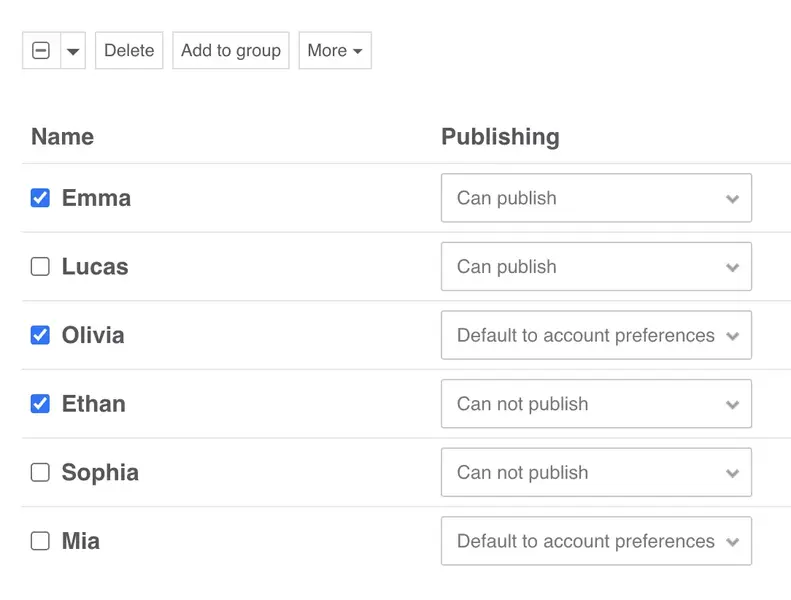
- Invite collaborators with clear view and edit rights
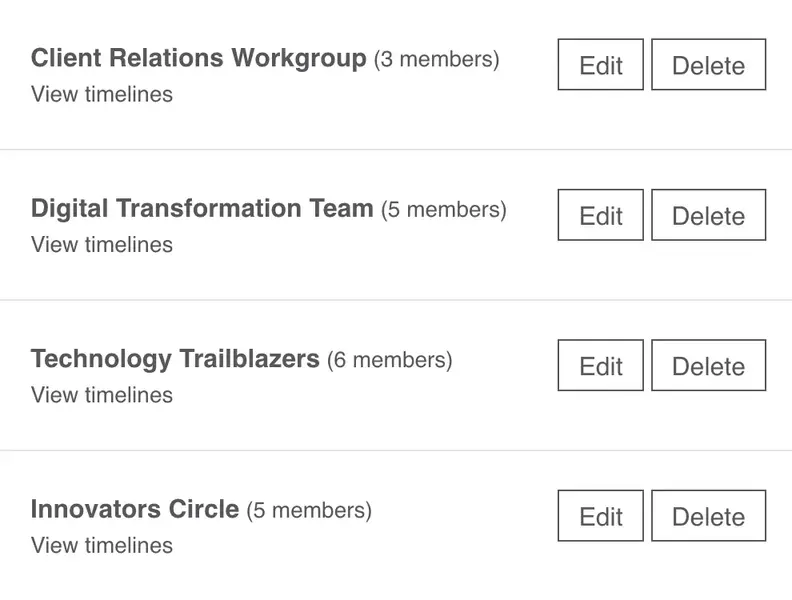
- A shared workspace for projects that involve multiple contributors
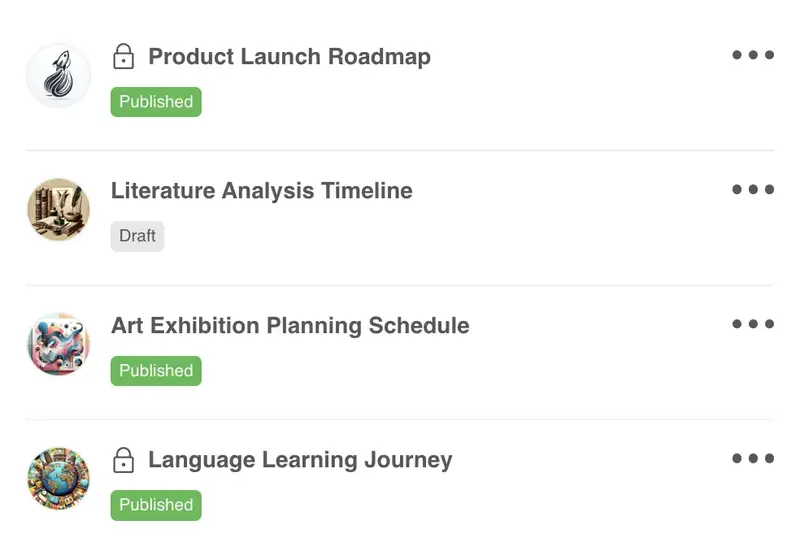
- Keep work private until it is ready to publish or present
- Embed timelines in websites, exhibits, or teaching resources
A flexible structure for history projects
Here is a simple structure you can use as a starting point. You can set it up yourself or begin with a template and adapt it for your topic.
-
Fields that capture historical context
A typical history project might include fields like:
- Event - the moment, development, or turning point
- Date or date range - exact date, year-only, BCE date, or timespan
- Region - country, empire, city, or area
- Figure - people connected to the event
- Theme - politics, science, war, culture, religion, and more
- Source - citation, note, or archive reference
You can add fields for dynasty, collection, reign, source confidence, or any other structure your topic needs.
-
Views for research, teaching, and public reading
- Horizontal timeline - useful for broad overviews and comparing eras
- Vertical timeline - useful for scrollable reading and annotated chronologies
- Grid - useful for organizing notes, sources, and structured details
-
How a history timeline comes together
- Gather source material, notes, and key dates
- Add events to the grid and tag them by region, figure, or theme
- Review the timeline in horizontal or vertical view to check sequence and context
- Share, publish, or embed the finished timeline for teaching or public use
Who history timelines are designed for
History timelines are useful when the same chronology needs to support research, teaching, or public interpretation.
-
Teachers and history students
Help learners see sequence, change over time, and comparison across eras, figures, and events.
-
Researchers, writers, and editors
Organize notes, sources, and chronology in one place before turning the material into a clearer narrative.
-
Museums and public history teams
Create timelines that are easier to publish, embed, and share with visitors or online audiences.
Why historians and educators use timelines
Timetoast helps history projects:
- Place events, eras, and figures in one clear chronology
- Show sequence, overlap, and historical context more clearly
- Handle BCE dates, year-only dates, and long periods accurately
- Organize notes and source material without losing the timeline view
- Publish, share, or embed history timelines for teaching or public audiences
Templates for eras, people, and historical topics
You can create a history project from scratch or start with a flexible template that already suits broad topics, historical figures, or custom research.
-
Good starting points:
-
Classic timeline
A simple title, description, and categories structure that works well for many historical topics. -
Biography timeline
A strong starting point when the history project centers on one person or a small group of figures. -
Blank project
Start with a clean slate and add the fields and views that fit your research.
-
Classic timeline
-
What you can adapt:
- Helpful default fields you can adapt to your topic
- Sample items you can edit or remove
- The grid view and horizontal/vertical timeline views ready to use from day one
Timelines for different use cases
See how Timetoast supports roadmaps, projects, history, teaching, biographies, and legal chronologies.
Roadmapping
Show priorities, releases, and overlaps in a roadmap people can follow.
Project Management
Turn tasks, milestones, and deadlines into one clear shared timeline.
Education
Help students see sequence, comparison, and context across lessons and topics.
Biographies
Turn life events into a clear narrative with milestones, patterns, and context.
Legal Cases
Build defensible chronologies for events, evidence, participants, and deadlines.