Legal case timelines that keep chronologies clear and defensible
Use Timetoast to organize events, evidence, participants, and deadlines into one legal case timeline and defensible chronology. Clients, colleagues, and decision-makers can follow what happened, and when, at a glance.

Legal case timeline example
Loading example...
Preview how evidence, milestones, and case events can line up once a chronology is organized for review and presentation.
Keep case chronologies clear and defensible
If you are looking for a legal case timeline maker, the goal is not just to list dates. It is to keep the chronology clear enough to support review, strategy, and presentation.
Most case timelines live in long memos, email threads, or static documents:
- Key dates, filings, and communications are scattered across tools
- Different people keep their own versions of the chronology
- It’s slow to update when new evidence or testimony appears
The result: teams lose time reconciling facts instead of focusing on strategy.
A case timeline gives everyone the same picture:
- Shows what happened first, next, and last across the matter
- Makes it easier to connect events with documents and witnesses
- Gives you a single reference you can use in prep, negotiation, or court
With Timetoast, you maintain one chronology and view it in different ways depending on who’s in the room.

Build a working chronology your team can rely on
Use the grid view when you’re building or revising your chronology:
- Add filings, hearings, communications, and key facts in seconds
- Use custom fields for party, matter, source document, issue, and confidence
- Sort and filter to focus on an issue or witness
That keeps your analysis view and your presentation view tied to the same underlying chronology.

Walk through the facts without losing the thread
Switch to a timeline view when you need to walk someone through the facts:
- A horizontal timeline is ideal for hearings and strategy sessions
- A vertical timeline works well for detailed review on smaller screens
Your working chronology and your presentation view stay aligned, even as the matter changes.

Make dense case material easier to review
Case timelines can get dense quickly. Timetoast helps you keep them readable:
- Filter by party or side to see who did what, when
- Filter by issue to focus on a specific claim or defense
- Color-code events by phase, issue, or event type so patterns stand out
You can change filters and colors depending on whether you’re preparing, negotiating, or presenting.
Useful across litigation, investigations, and internal reviews
Use Timetoast for litigation, investigations, and internal reviews. It keeps the chronology clear for the case team while privacy and sharing controls help you decide who can see each matter.
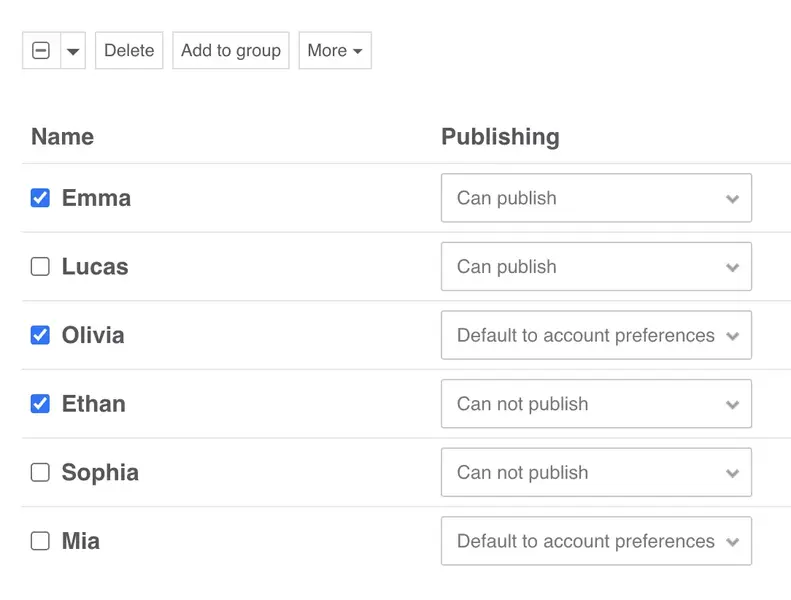
- Invite colleagues and external collaborators with clear view and edit rights
- A shared workspace so everyone works from the same chronology
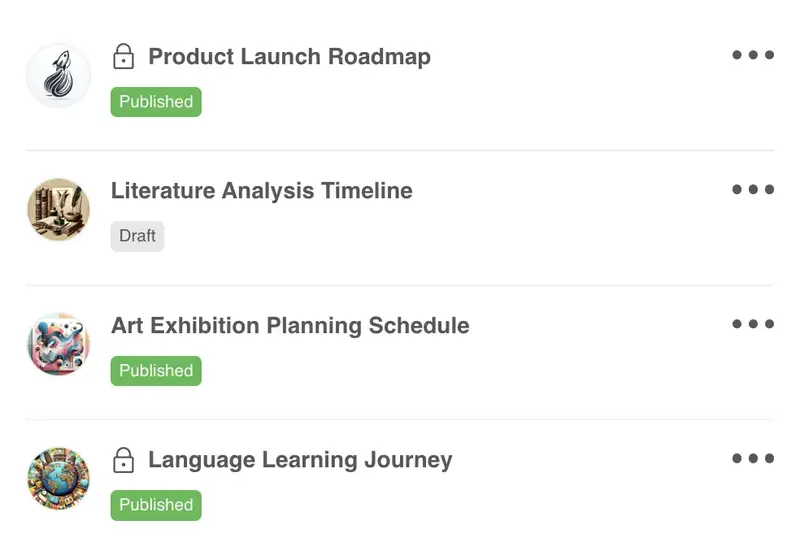
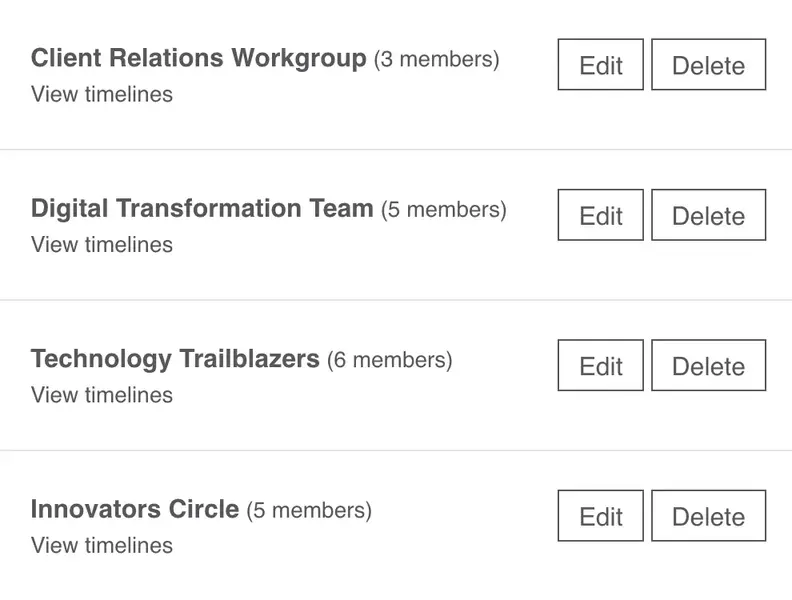
- Keep timelines private, share them with a specific group, or create public views when appropriate
- Embed views for briefs, or secure portals
A practical structure for case chronologies
Here’s a simple structure you can use as a starting point. You can set this up yourself or start with a generic template and adapt it for your matter.
-
Fields that reflect how you work
A typical case chronology project might include fields like:
- Event – the filing, communication, meeting, or fact
- Date and time – when the event occurred
- Party – claimant, defendant, witness, or third party
- Issue – which claim, defense, or question it relates to
- Source – document, exhibit, transcript, or note
- Reference – document ID, paragraph, or page
- Notes – key points, credibility, or next steps
You can rename or add fields to match your own case management or document IDs.
-
Views for analysis, hearings, and client updates
You'll probably use different views for different audiences:
-
Analysis view (grid)
All events with sources and notes. Used by the core team when shaping the case theory. -
Litigation view (horizontal timeline)
Key events and milestones for hearings, mediation, or trial prep. -
Client view (vertical timeline)
A simplified chronology filtered to what clients or stakeholders need to see.
You can switch between these views in a couple of clicks, without rebuilding the chronology each time.
-
Analysis view (grid)
-
How teams keep the chronology current
Across the life of a case you might:
- Log new events in the grid as documents, interviews, and hearings come in.
- Review the timeline before strategy meetings, mediations, or court dates.
- Share a filtered view with clients or co-counsel so everyone stays aligned.
The chronology stays current because you keep editing one project instead of maintaining multiple versions.
Who legal timelines support
Legal timelines are most useful when a matter needs one chronology that can still be filtered and shared differently across the team.
-
Litigators and advocates
- Build and refine a chronology that supports your case theory
- Highlight key events and documents for hearings or trial
- Quickly adjust timelines as new facts emerge
-
In-house counsel
- Create shared timelines for disputes, investigations, or projects
- Share high-level views with executives and internal stakeholders
- Keep external counsel aligned on the same chronology
-
Investigators and case teams
- Track interview notes, documents, and findings along a timeline
- Filter by issue or party during reviews
- Export data for reports, briefs, or disclosure tools
Why legal teams use timeline-based chronologies
Timetoast helps legal teams:
- Turn scattered case materials into a clear, defensible chronology
- Keep one organized project instead of multiple conflicting versions
- Show different levels of detail to teams, clients, and decision-makers
- Update timelines quickly instead of reworking slides or documents
- Reuse chronology structures across similar matters or portfolios
Templates you can adapt to your matter
You can create a case chronology from scratch or start with a simple structure you can rename and reshape for your practice.
-
Simple ways to get started:
-
Classic timeline
Title, description, and categories – a simple structure you can shape into a case chronology. -
Blank project
Start with a clean slate and add only the fields and views you need.
-
Classic timeline
-
What each starting point includes:
- Helpful default fields you can rename for your matters
- Sample items you can edit or remove
- The grid view and horizontal/vertical timeline views ready to use from day one
Timelines for different use cases
See how Timetoast supports roadmaps, projects, history, teaching, biographies, and legal chronologies.
Roadmapping
Show priorities, releases, and overlaps in a roadmap people can follow.
Project Management
Turn tasks, milestones, and deadlines into one clear shared timeline.
History
Place events, eras, and figures in chronological context with a clear history timeline.
Education
Help students see sequence, comparison, and context across lessons and topics.
Biographies
Turn life events into a clear narrative with milestones, patterns, and context.